

dreameditor.org
Open source code editor
Create & edit code
 Update Log Launch DreamEditor web version
 Install DreamEditor web app DreamEditor for ChromeOS DreamEditor (add-on) for Firefox DreamEditor for Android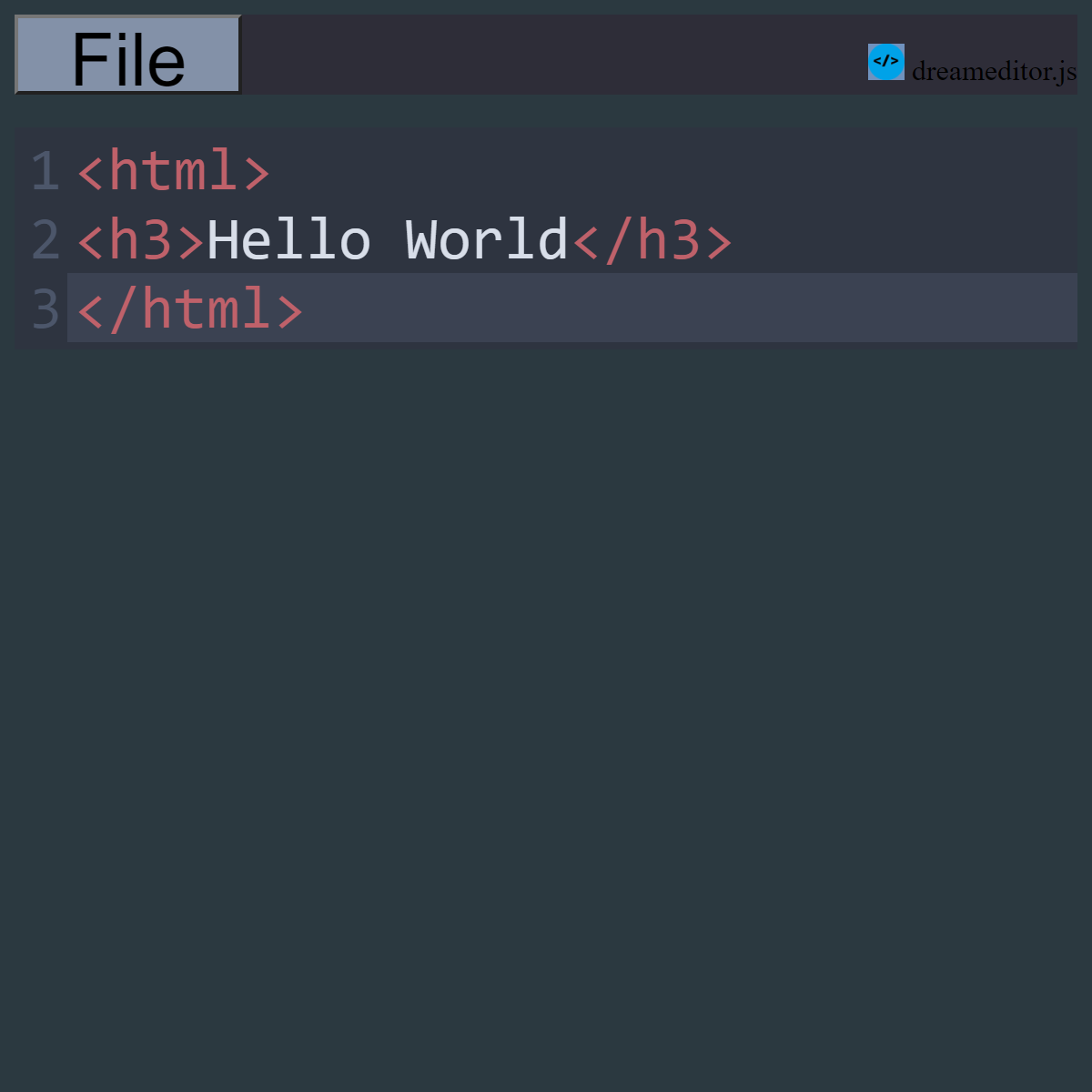
DreamEditor Features:
Free & open source
Light & Dark mode
Line Numbers (can be turned on or off)
Option to highlight active line
Save to & load from device storage
Full desktop & mobile support
Small application size
Syntax highlighting for various programming languages
Open source & free forever.
DreamEditor web app install requirements:
ChromeOS / Google Chrome version 144 or later required to install web app.Web app can be installed using the Chrome menu.
Downloads need to be enabled in web browser settings to save files.
JavaScript must also be enabled to use DreamEditor.
Visit Update Log to download lastest open source build or read update notes.
About DreamEditor
This project purpose is to provide a easy accessible platform to edit code on almost any device.Written in JavaScript & uses CodeMirror for syntax highlighting.
About Ads inside some DreamEditor versions
DreamEditor for ChromeOS & DreamEditor (add-on) for firefox are available for free and have no ads.Ads are placed on other versions to help support development and future updates.
Ads may appear on dreameditor.org, DreamEditor web app and DreamEditor for Android.
Available on the web, Firefox Add-on Hub,
Chrome Web Store, Google Play Store & GitHub.
 Donate
dreameditor.zip is a open source project distributed under a MIT like license.