

dreameditor.org
Open source cross platform code editor.
Create & edit code on almost any device.
 Update Log Launch DreamEditor for the Web
 Install DreamEditor web app DreamEditor for ChromeOS DreamEditor (add-on) for Firefox
 DreamEditor for Android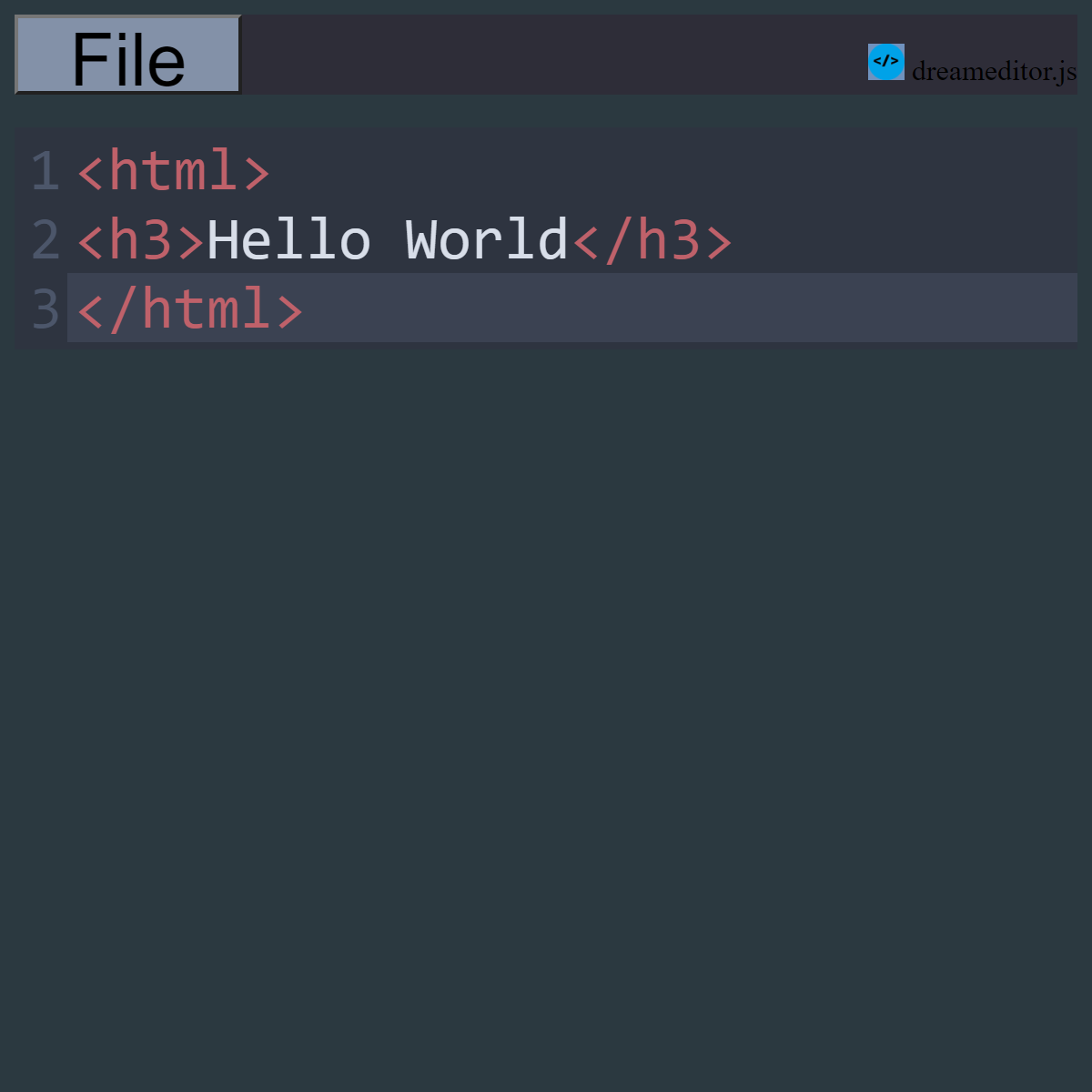
DreamEditor Features:
Light & Dark mode
Line Numbers (can be turned on or off)
Option to highlight active line
Save to & load from device storage
Supports common web browser keyboard shortcuts & zoom controls
Full desktop & mobile support
Small application size
Syntax highlighting for various programming languages
Secure ssl / https connection when using Android app or web version
Open source & free forever.
DreamEditor web app install requirements:
ChromeOS / Google Chrome version 150 or later required to install web app.Web app can be installed using the Chrome menu.
Downloads need to be enabled in web browser settings to save files.
JavaScript must also be enabled to use DreamEditor.
Visit Update Log to download lastest open source build or read update notes.
About DreamEditor
This project purpose is to provide a easy accessible platform to edit code on almost any device.Written in JavaScript & uses CodeMirror for syntax highlighting.
About Ads inside some DreamEditor versions
DreamEditor for ChromeOS & DreamEditor (add-on) for firefox are available for free and have no ads.Ads are placed on other versions to help support development and future updates.
Ads may appear on dreameditor.org, DreamEditor for the Web and DreamEditor for Android.
Available on Firefox Add-on Hub,
Chrome Web Store, Google Play Store & GitHub.
 Donate
dreameditor.zip is a open source project distributed under a MIT like license.